It's now possible to edit words during the middle of a test and immediately have the new versions of the words be used for the rest of the test! 🙂
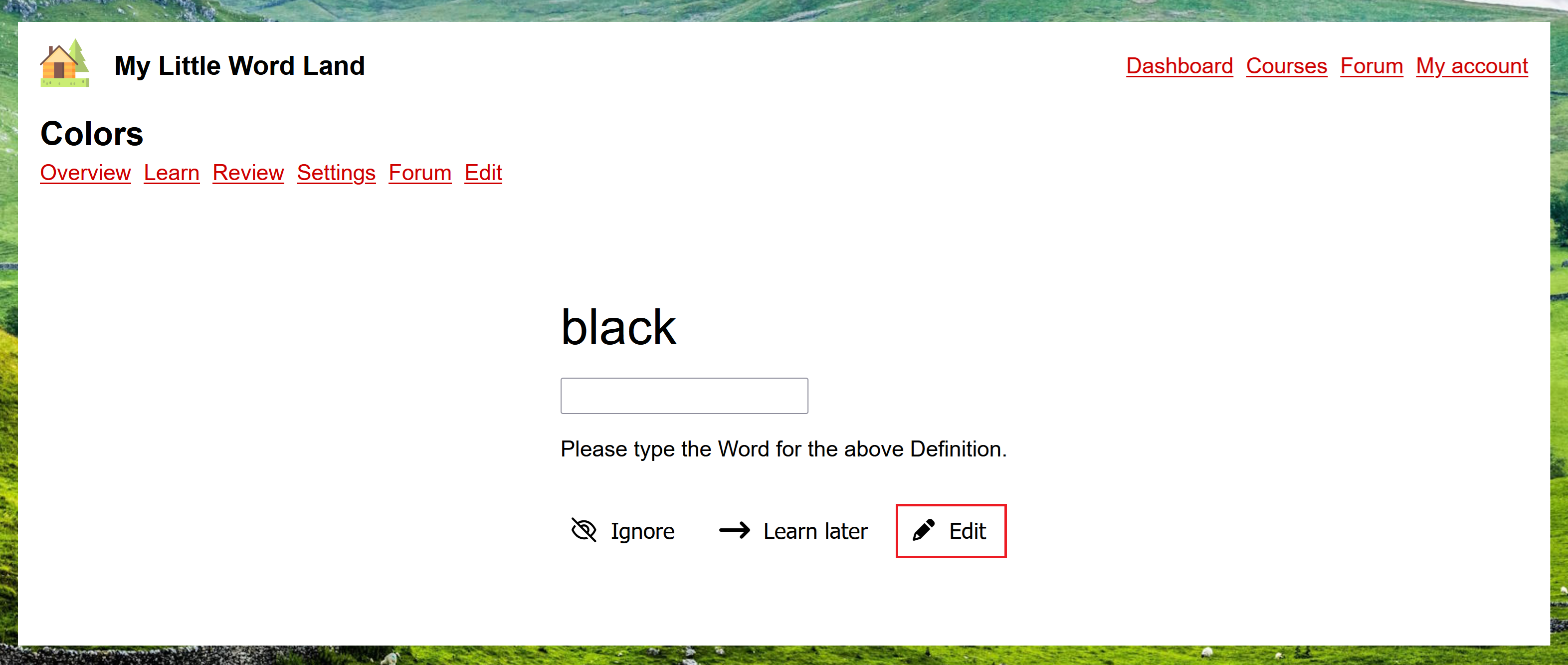
During the middle of a learn or review test, click the new "Edit" button:
The edit page should open in a new tab/window, with the word already selected:
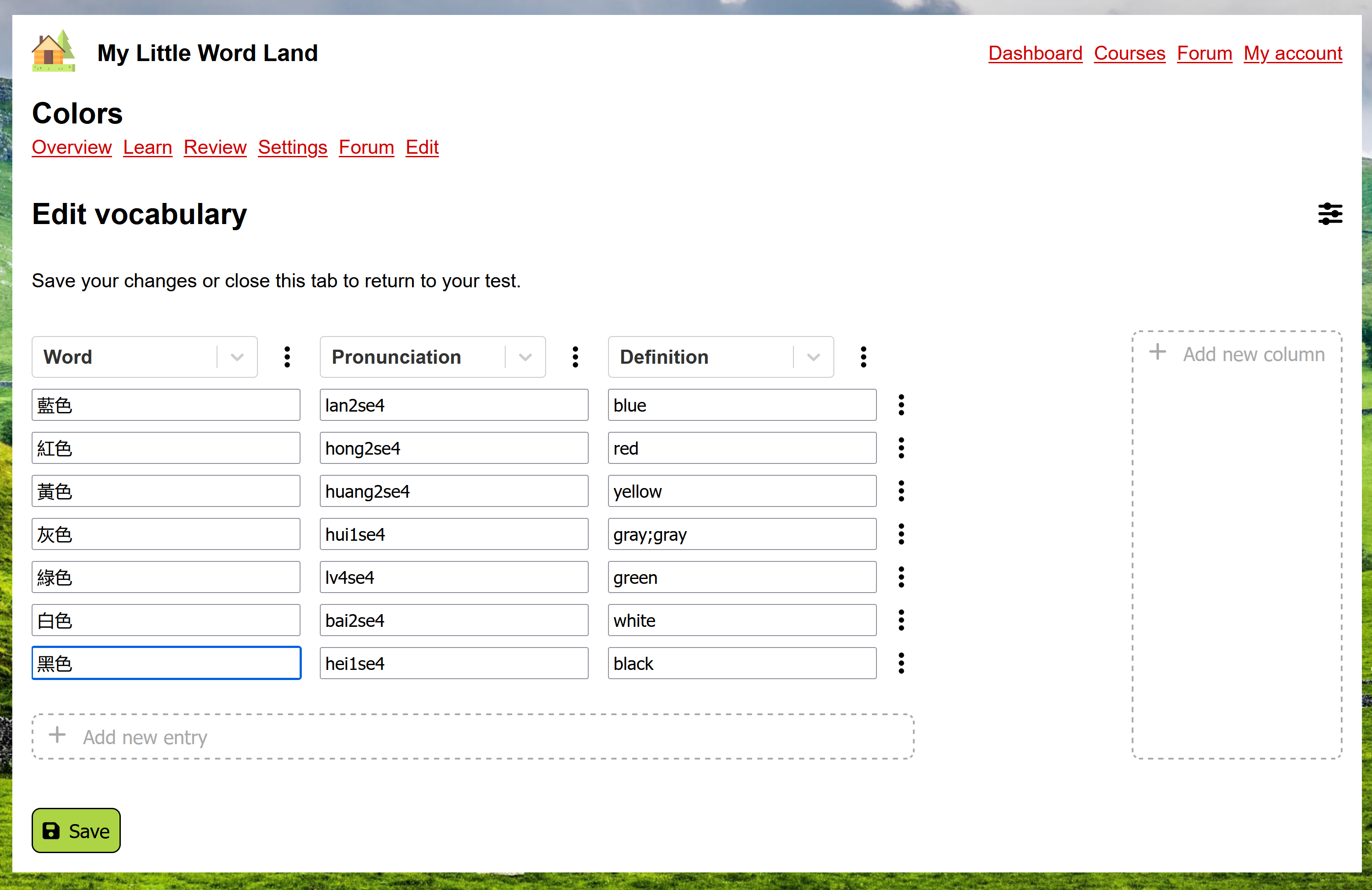
You can now make changes to this word (or any other words in the course):

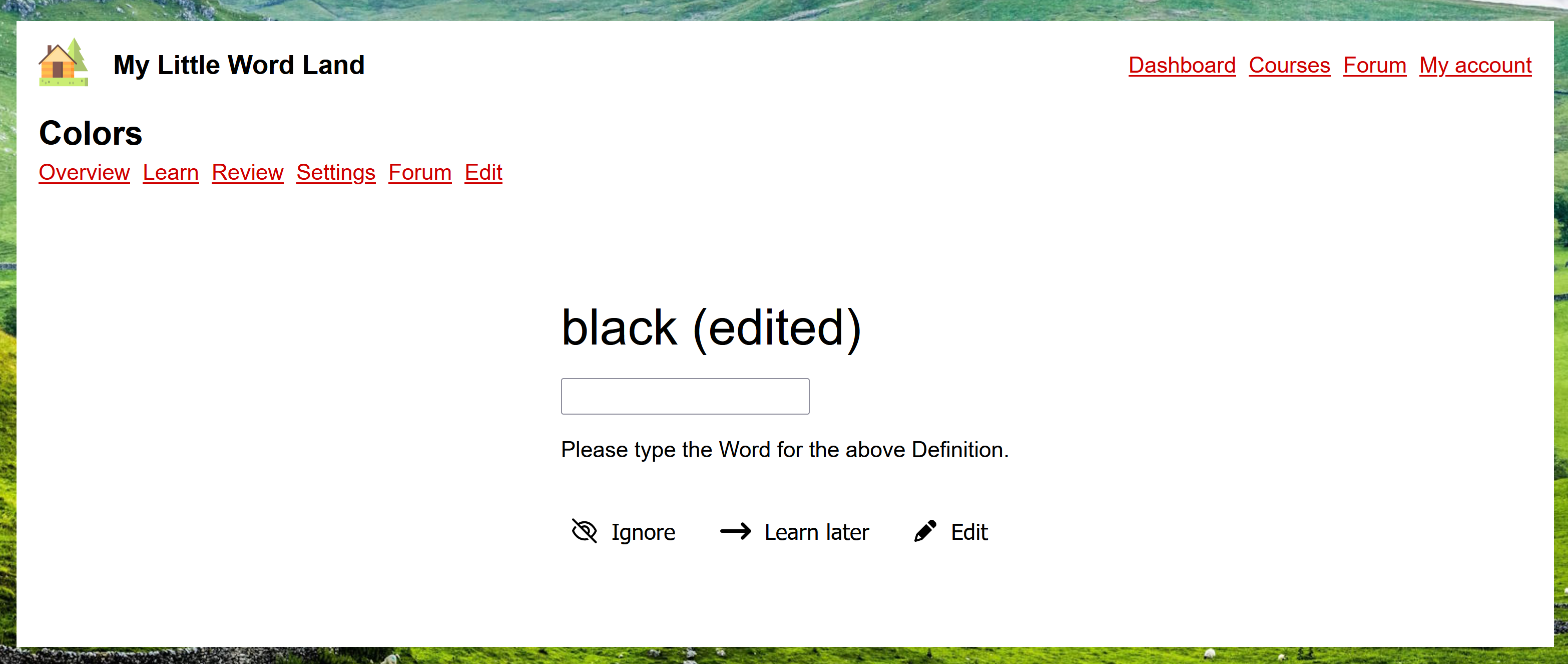
Once you've clicked "Save", the new tab/window should automatically close, and the changes should automatically show up in your current test:
Implementing this also fixed a bug where ignoring a word during a learn test would sometimes (always?) cause another word to no be shown as many times as it should have been.

